A/B Testing for Small Businesses: A Plain-English Guide
What A/B testing is, what you can realistically test with small-business traffic, how to read a result without a statistics degree, and when...
SplitPea helps small teams run focused A/B tests without an infrastructure overhaul. Make one change, measure what visitors do, and get a clear recommendation when the evidence is strong enough. Between tests, the same snippet keeps tracking visits and goals.
SplitPea gives small teams precision split-testing with no data scientist and no code. Every decision is backed by a number you can trust.
Name the test, write down what you think will happen, pick the page, and choose what counts as a win. The builder keeps those decisions in a few focused steps.
Click the headline, button, image, or block you want to change. Type the new version. No code and no dev ticket.
Half your visitors see the original, half see the variant. The same person keeps seeing the same version.
Pick the action that matters: a signup, click, form submission, booking, or page visit.
Visitors, conversions, lift, and confidence in normal language. If the result is unclear, SplitPea says so.
Every test ends with ship A, ship B, or inconclusive, plus the date, the person, and the reason.
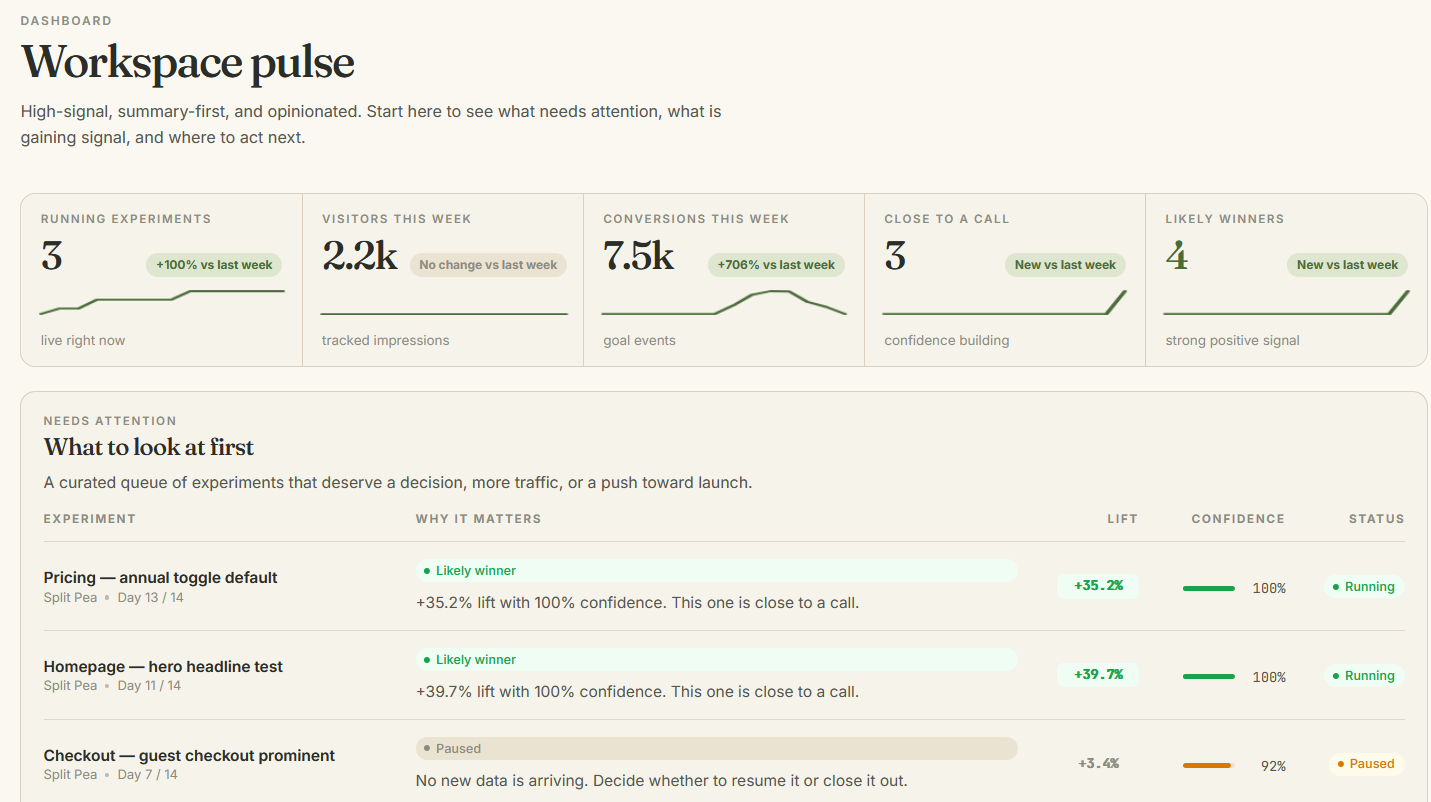
One screen tells you which version is ahead, by how much, and whether the result is ready to act on.
Most A/B testing tools assume you have a growth team. SplitPea keeps the workflow smaller: install, test, measure, decide.
Drop one snippet on the site you already have. It works with static HTML, Squarespace, Webflow, WordPress, Shopify, and more.
Write a hypothesis, open the visual editor, and make one useful change. Your live site stays untouched until the test starts.
Watch traffic split and confidence build. SplitPea tells you when there is enough data, and when there is not.
Ship the winner, hold the original, or record an inconclusive result. The decision stays in the log.
Paste the snippet into the head of your site. It is under 8KB, loads asynchronously, and works with the stack you already have. Check it on your own site before launching a test.
A sample log showing how SplitPea records what was tested, what happened, and what you decided.
| Date | Who decided | What was tested | Verdict | Lift |
|---|---|---|---|---|
| 03 May | MaraLinen & Co · Founder | Plain pricing against feature-list pricing on /pricing. | Shipped B | +51% |
| 28 Apr | JonasOutpost Studio · Designer | Three subhead variants on the home hero. | Held | — |
| 21 Apr | PriyaNorthbeam · Marketing lead | Cut the lead form from seven fields to four. | Shipped | +18% |
| 14 Apr | BenFolio · Solo founder | Trust badges above vs. below the CTA. | No change | 0.4% |
| 07 Apr | ChiaraMossroom · Growth | “Get started” vs. “Run my first test”. | Shipped | +9% |
Sample records for illustration. Your own experiment history exports as CSV.
Start free, upgrade when testing becomes a habit. Every plan includes the visual editor, confidence scoring, goal tracking, and decision history.
Try it on one site.
For regular testing.
For client sites.
Yes. A/B tests need a few thousand visitors before they can say anything confident, so SplitPea marks low-traffic tests inconclusive rather than guessing. In the meantime, the same snippet tracks visits, referrers, and goal conversions over time, so you can still see whether a change moved things.
The snippet is under 8KB and loads asynchronously to keep the added work small. As with any script, check your own site before launching a test.
SplitPea uses an anti-flicker hook to reduce visible page changes. The result still depends on the page, connection, and size of the variant, so preview the test before launch.
That is a real result. SplitPea marks the test inconclusive so you can stop waiting and test something more meaningful.
Yes. Experiments, variants, results, and decisions export as CSV. Your evidence is yours.
What A/B testing is, what you can realistically test with small-business traffic, how to read a result without a statistics degree, and when...
Most A/B testing advice is written for online shops. If your website's job is to get someone to call you, fill out a form, or book an appointment,...
The honest answer to the question every small business asks before running their first test. Real numbers, not "it depends."
Write a hypothesis, draft one variant, and check the preview before starting the test. Once the snippet is installed, creating the experiment should take only a few minutes.